01
Bring in your script
Start from scratch or share a script from another app in seconds.

Smart Voice Teleprompter
Your script keeps up with you.
Speak the way you actually speak. SpeechCue helps you stay on track, keep your eyes up, and record in one smooth flow with advanced audio processing and automatic language detection.
Features
Most teleprompters make you chase text. SpeechCue helps you keep your pace, your focus, and your personality.
Keep working with confidence even when the internet is not there.
Pause, repeat, or improvise and still keep your place.
Keep the prompt visible while you record or work in other apps.
Prompt and record together instead of jumping between apps. (iOS / Android only; device-dependent)
Create, edit, and find scripts in one place.
Sync scripts so you can continue where you left off.
Use full-screen reading when you want to stay locked in.
Keeps the screen awake so auto-lock does not interrupt your flow.
Flip the display for hardware teleprompters or glass.
Share from Notes, Mail, or Files and start speaking sooner.
Automatically adjusts to match the language you are speaking, including mixed Chinese, English, and Japanese scripts when needed.
Reduces echo and background noise so your recording stays cleaner.
Adjust the look and behavior to fit how you work.
Keep the main window visible above other apps.
Dock the top bar and restore the window when needed.
Pro only, off by default. Mouse events pass through the output window body; the top and bottom control bars remain interactive.
Workflow
Speak the way you actually speak. SpeechCue helps you stay on track, keep your eyes up, and record in one smooth flow with advanced audio processing and automatic language detection.
Start from scratch or share a script from another app in seconds.
Pause, repeat, or improvise and SpeechCue helps you keep going.

Keep your script visible while you use other apps.

Finish with a clean recording you can publish, share, or reuse.

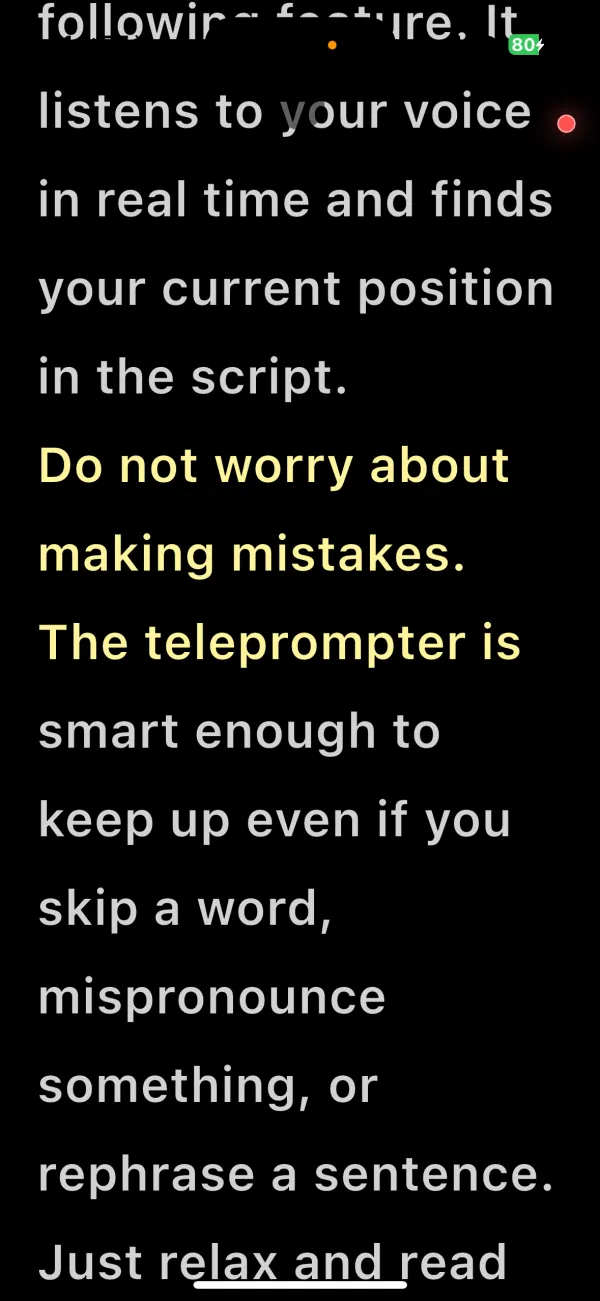
Voice-follow reading
Pause, skip a word, or rephrase — the highlight stays with you.
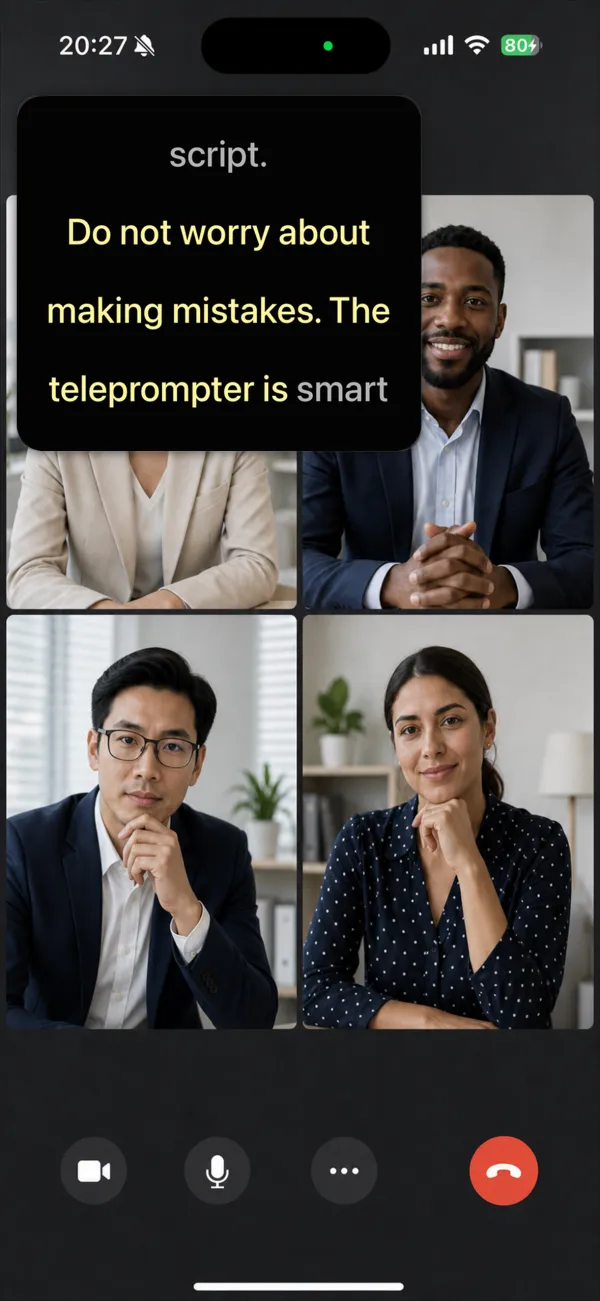
Floating prompt window
Keep your script on screen while recording, calling, or using other apps.
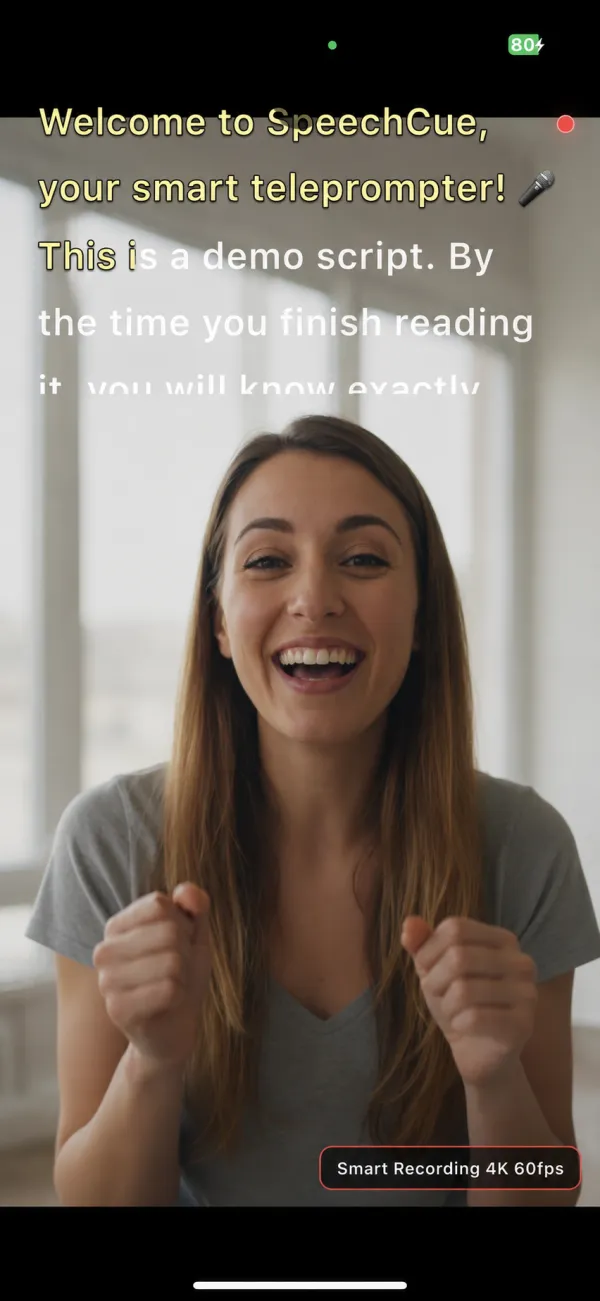
Prompt and record in one take
The script sits right above your camera view — record and publish in one flow.
Privacy
SpeechCue keeps your scripts and voice on your device by default. Your recordings stay with you unless you choose to back them up.
Works offline when you need it.
Scripts stay on your device by default.
Microphone access only while prompting.
No background recording by default.
Download
For iPhone, iPad, Android and macOS. Choose the channel that fits your device.
Support
Need help with setup, speech recognition, or importing scripts? We're happy to help.